Play the passage. Stop.
The next tempo is already set.
TempoStep is an iPhone metronome that listens. When you stop playing, it moves the BPM toward your target, so your hands never leave the instrument.
Audio stays on your iPhone. Nothing is recorded or sent.

What a session looks like.
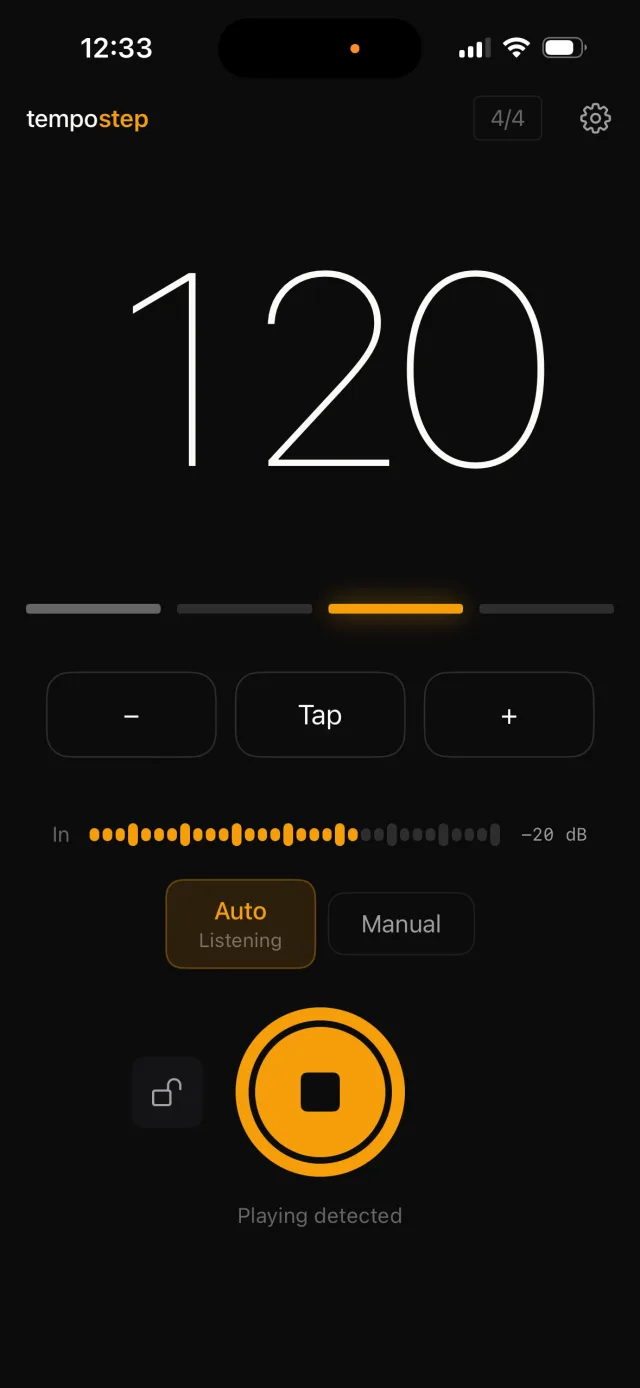
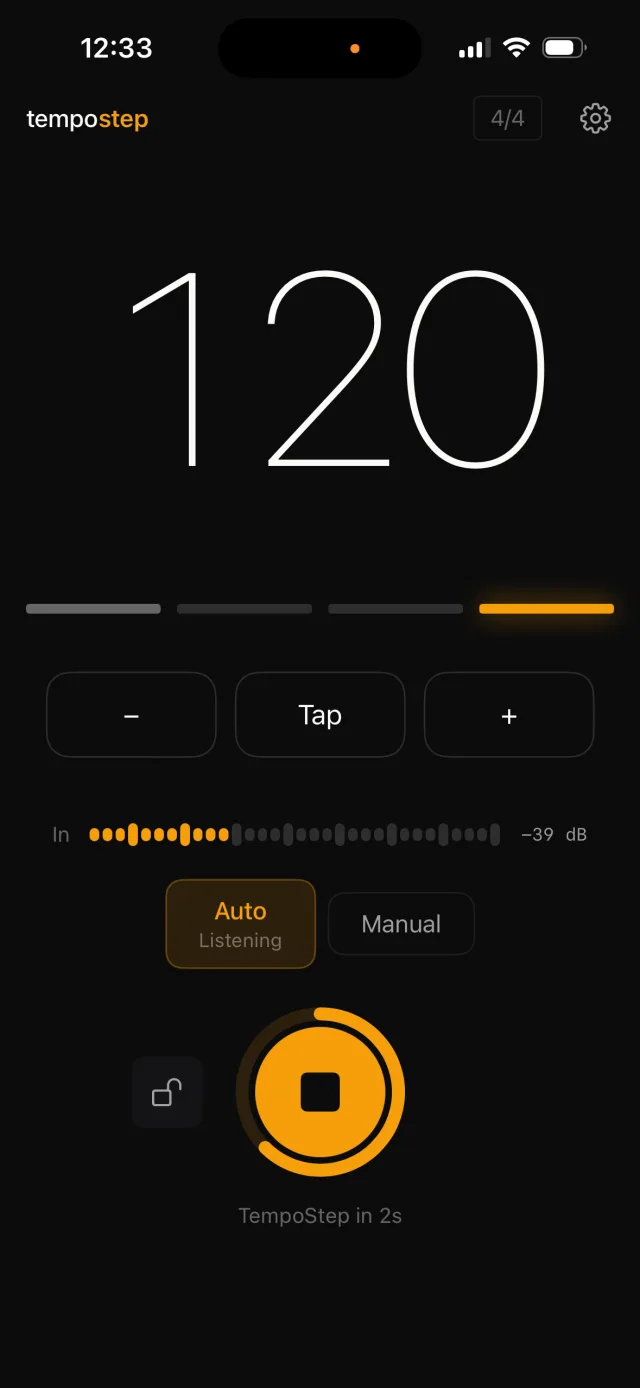
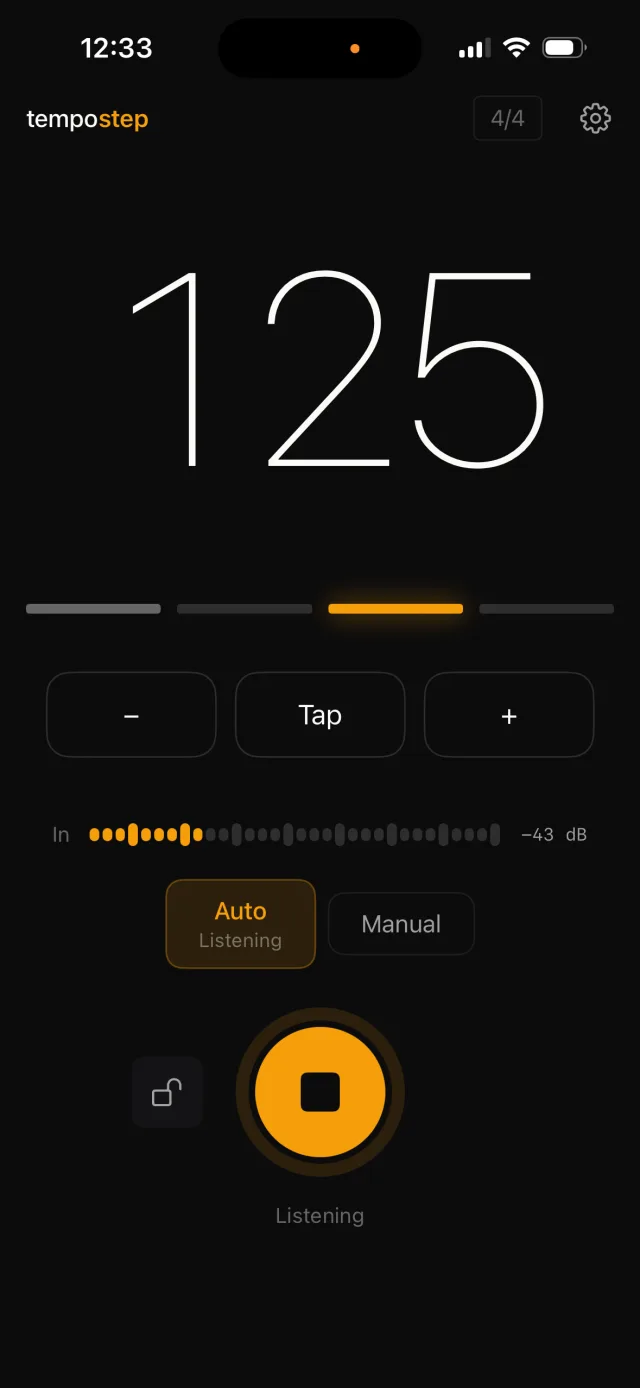
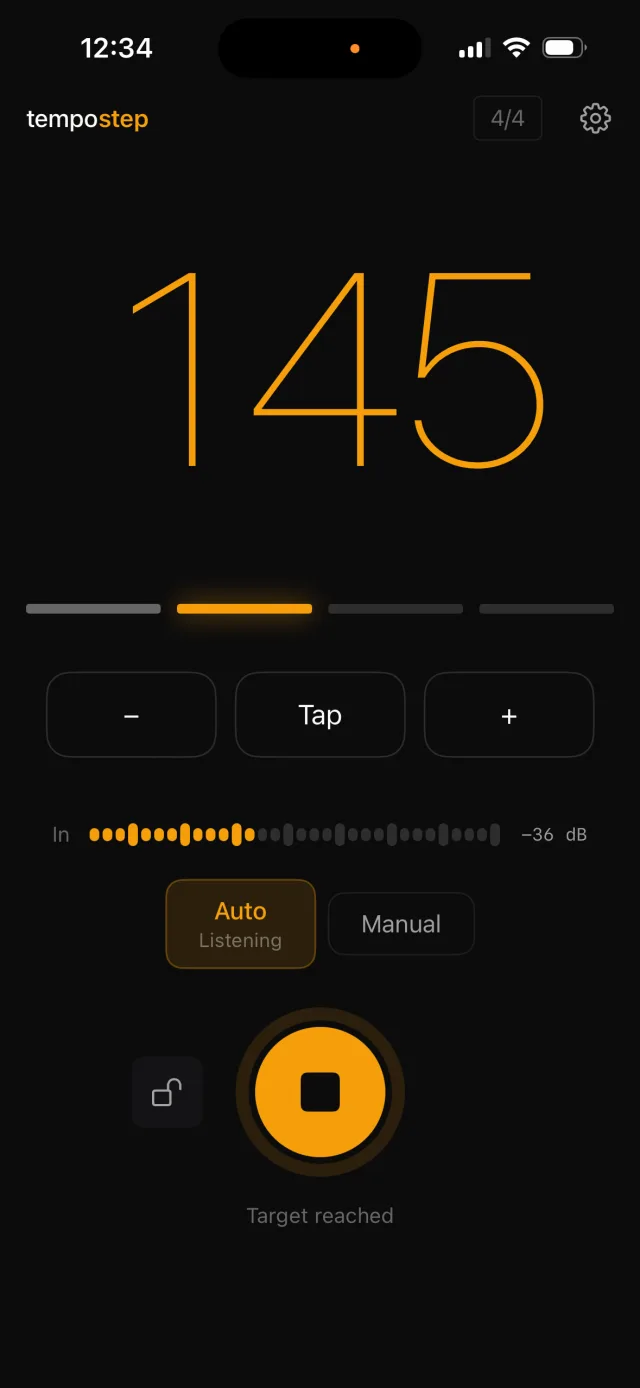
Play
Set your starting BPM. The metronome clicks. The mic listens quietly in the background.
Pause
Stop to breathe, reflect on the last pass, stretch. TempoStep notices the silence and waits for you.
Step
When you are ready and begin to play again, the BPM has already advanced. You never touch a button or look at the screen.
Target
Hit the target BPM you set and the number glows amber.
Rest between passes as long as you like.
Shake out your hand, look at the fingering again, work out what went wrong. Ramp apps keep climbing on a timer while you do. TempoStep waits, and the moment you start playing, the next tempo is already set.
Four ways to reach the target.
Step Up · default
Each stop adds the increment you set until you reach the target.
Shuffle
A random tempo from a range around the target on every stop. How Shuffle helps.
Spiral
Steps up, drops back partway, climbs again. Fluency at every speed.
Step Down
Starts fast and works down toward the target, for precision.
Shuffle: a different tempo every pass.
Instead of stepping up, Shuffle picks a random BPM from a range around your target each time you stop. Use it on passages you can already play at tempo, so they don't settle at one speed. Full details in the manual.
- It sticks
- Harder in the session, measurably better retained the next day.
- You stay listening
- When you can’t predict the tempo, you can’t play on autopilot. You hear mistakes instead of drilling them in.
- Any tempo works
- On stage the tempo isn’t always the one you practiced. Practicing around a target gets you ready for that.
Grounded in research on interleaved practice in music (Carter & Grahn, 2016; Mathias & Goldman, 2025).
Everything else it does.
Microphone calibration
A quick baseline sets a threshold for your room. Works in practice rooms, at home, on the road.
Runs in the background
Auto advance keeps working while you use forScore, IMSLP, a tuner, or anything else on your phone.
Tap tempo
A few taps and the BPM matches. Match a recording, a teacher, or your own reference point.
Subdivisions
Off, 8th, triplet, 16th. Change in the settings menu.
Hold tempo
A lock pauses the advance. Groove on the current BPM for as long as you want.
Manual mode
Mic off, no calibration, instant start. One tap advances the tempo in whichever mode you are using.
Common questions.
"I've spent decades in the practice room working through passages by changing tempi. Stop. Reach for the metronome. Reset. Start again. It's a small interruption, but it breaks momentum. TempoStep removes that moment, letting the tempo advance on its own."